
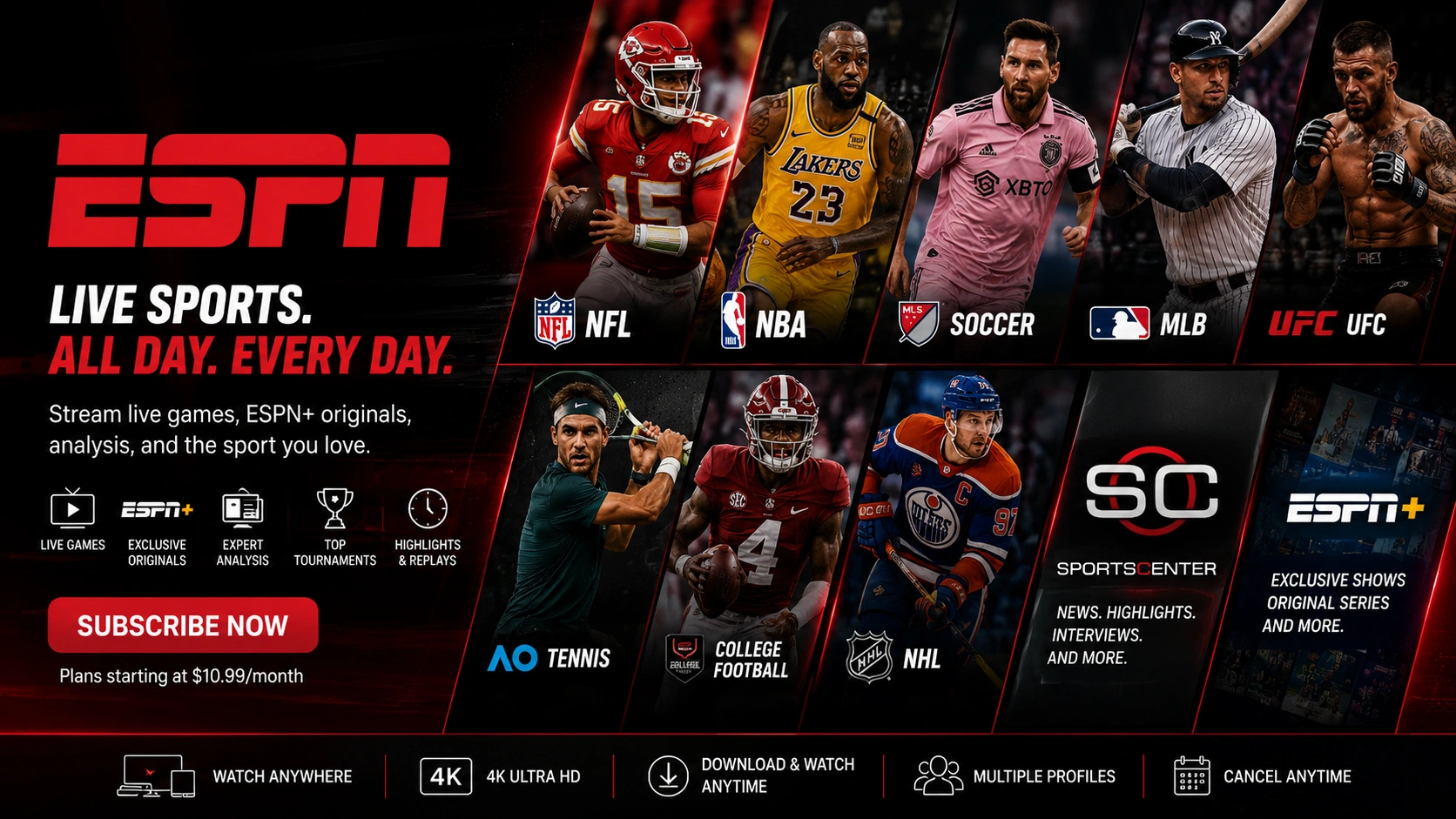
ESPN is the go-to network for American sports coverage — NFL, NBA, college football, MLB, and a constant stream of highlights and analysis shows. It's available both as a traditional TV channel and as its own standalone streaming app. Here's how each option works.
What is ESPN?
ESPN is a sports media network broadcasting live games, studio shows, and analysis across nearly every major American sport, plus growing international coverage. In addition to being carried as a linear channel by cable, satellite, and IPTV providers, ESPN also operates its own direct-to-consumer streaming app for out-of-market and exclusive content.
ESPN app pricing (2026)
- ESPN standalone app — around $29.99/month for the full direct-to-consumer streaming service.
- ESPN Select — a lower-cost tier around $12.99/month, focused on specific sports like college football.
- ESPN + FOX One bundle — around $39.99/month when combined with FOX's sports streaming app.
These are Disney/ESPN's own direct-to-consumer prices, separate from watching ESPN as a live channel through a TV or IPTV provider. Check plus.espn.com for the latest official pricing.
How to subscribe (direct-to-consumer app)
- Go to plus.espn.com or open the ESPN app.
- Create an account and choose a plan.
- Manage billing directly through ESPN or the app store you signed up through.
Watching ESPN through Crystal IPTV
If you'd rather watch ESPN the way you always have — as a live channel, no separate app or account needed — the ESPN channel feed is included as part of Crystal IPTV's sports package alongside FOX, Discovery, Sky Sports, beIN Sports and thousands of other channels. It streams live the same way any other channel in your lineup does, on Smart TV, Firestick, Android, or any supported device.
Watch ESPN live, included in your channel package
Crystal IPTV's sports lineup includes ESPN and thousands of other live channels — no separate sports app subscription needed.
Related Articles
FOX: Plans, Pricing & How to Watch in 2026
FOX One, FOX Nation pricing, and how the FOX channel fits into an IPTV lineup.
Read article →
beIN Sports: Plans, Pricing & How to Watch in 2026
beIN Sports' Front Row and Soccer Pass plans, and how the channels fit into an IPTV lineup.
Read article →Pricing shown reflects publicly available rates at the time of writing and is provided for informational purposes only. Streaming services and channel providers change plans and pricing frequently — always confirm current rates on the provider's official website. Crystal IPTV is not affiliated with, endorsed by, or sponsored by ESPN or Disney.