
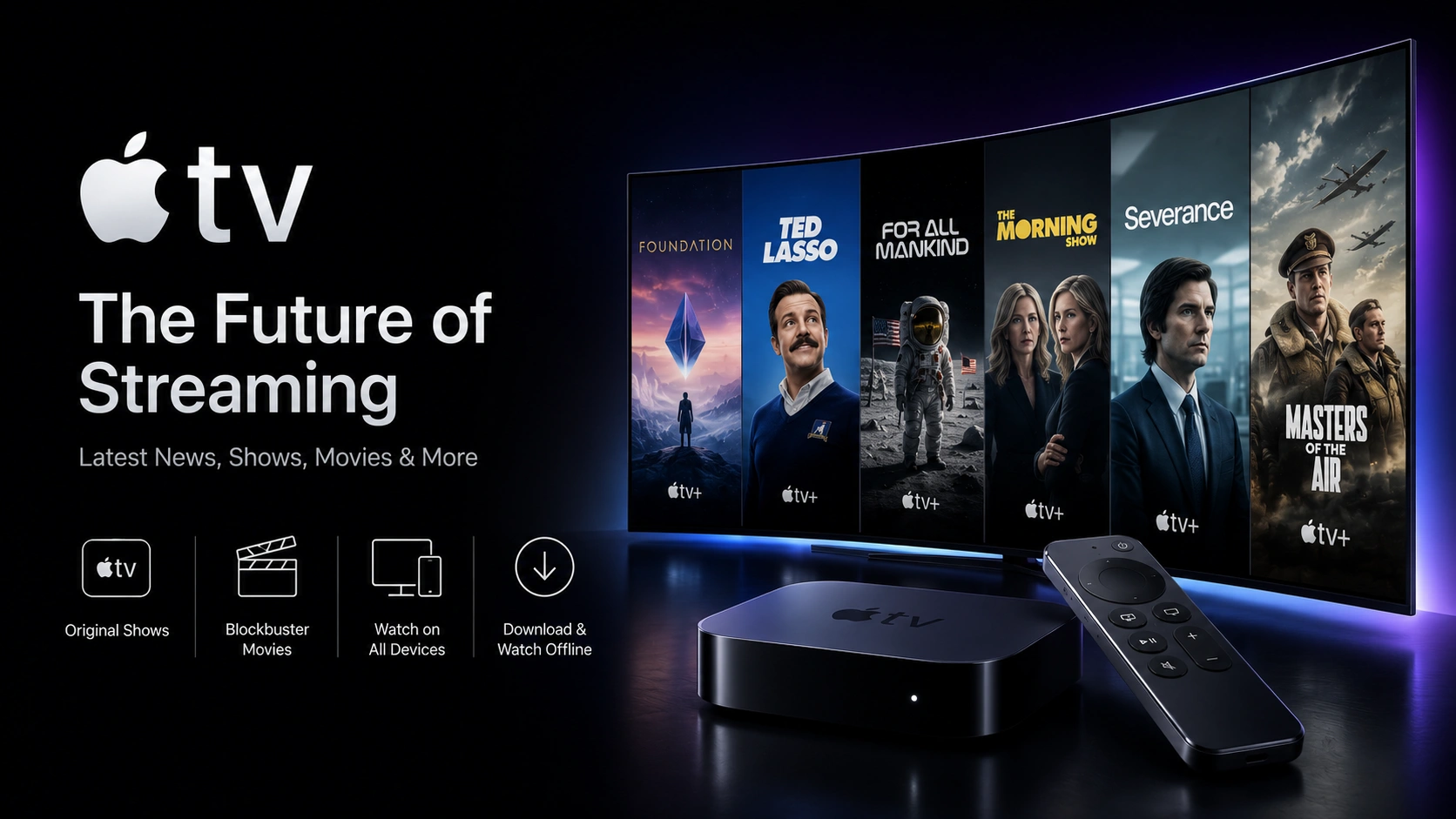
Apple TV+ takes a different approach from most competitors: no back catalog of licensed movies or classic TV — just Apple's own original series and films. It's smaller in library size, but it's known for high production value. Here's the current pricing and how to get it.
What is Apple TV+?
Apple TV+ is Apple's subscription streaming service, built entirely around Apple Original productions — scripted dramas, comedies, documentaries, and films, several of which have won major industry awards. It's accessed through the Apple TV app, available across Apple devices and beyond.
Apple TV+ pricing (2026)
- Apple TV+ standalone — following a price increase in late 2025, the monthly rate now sits above its previous $9.99 mark. Check apple.com/apple-tv-plus for the exact current price in your region.
- Apple One bundle — Apple TV+ is also included in Apple One plans alongside Apple Music, iCloud+ storage, and other Apple services, which can work out cheaper if you already use those apps.
Apple frequently offers a free trial period with new devices, so check for an active promotion before paying.
How to subscribe
- Open the Apple TV app on an Apple device, Smart TV, or streaming box, or go to tv.apple.com.
- Sign in with an Apple ID and select Apple TV+ or an Apple One bundle.
- Billing runs through your Apple ID / App Store account, where you can also manage or cancel the subscription.
Supported devices
Beyond Apple's own hardware (iPhone, iPad, Mac, Apple TV box), the Apple TV app is also available on many Samsung and LG Smart TVs, Amazon Firestick, Roku, and select Android devices.
Watching Apple TV+ alongside Crystal IPTV
Apple TV+ is billed through your Apple ID and isn't part of any IPTV channel package. Since the Apple TV app runs on Firestick and most Smart TVs, you can keep Crystal IPTV's live channels and Apple TV+ installed side by side on the same device.
Want live channels alongside your favorite apps?
Crystal IPTV gives you 20,000+ live channels in 4K, running right next to Apple TV+ on every device you own.
Related Articles
Prime Video: Plans, Pricing & How to Subscribe in 2026
What's included with Amazon Prime Video, standalone pricing, and ad-free options.
Read article →
Paramount+: Plans, Pricing & How to Subscribe in 2026
Paramount+'s Essential and Premium tiers, live CBS access, and current pricing.
Read article →Pricing shown reflects publicly available rates at the time of writing and is provided for informational purposes only. Streaming services change plans and pricing frequently — always confirm current rates on the provider's official website before subscribing. Crystal IPTV is not affiliated with, endorsed by, or sponsored by Apple.