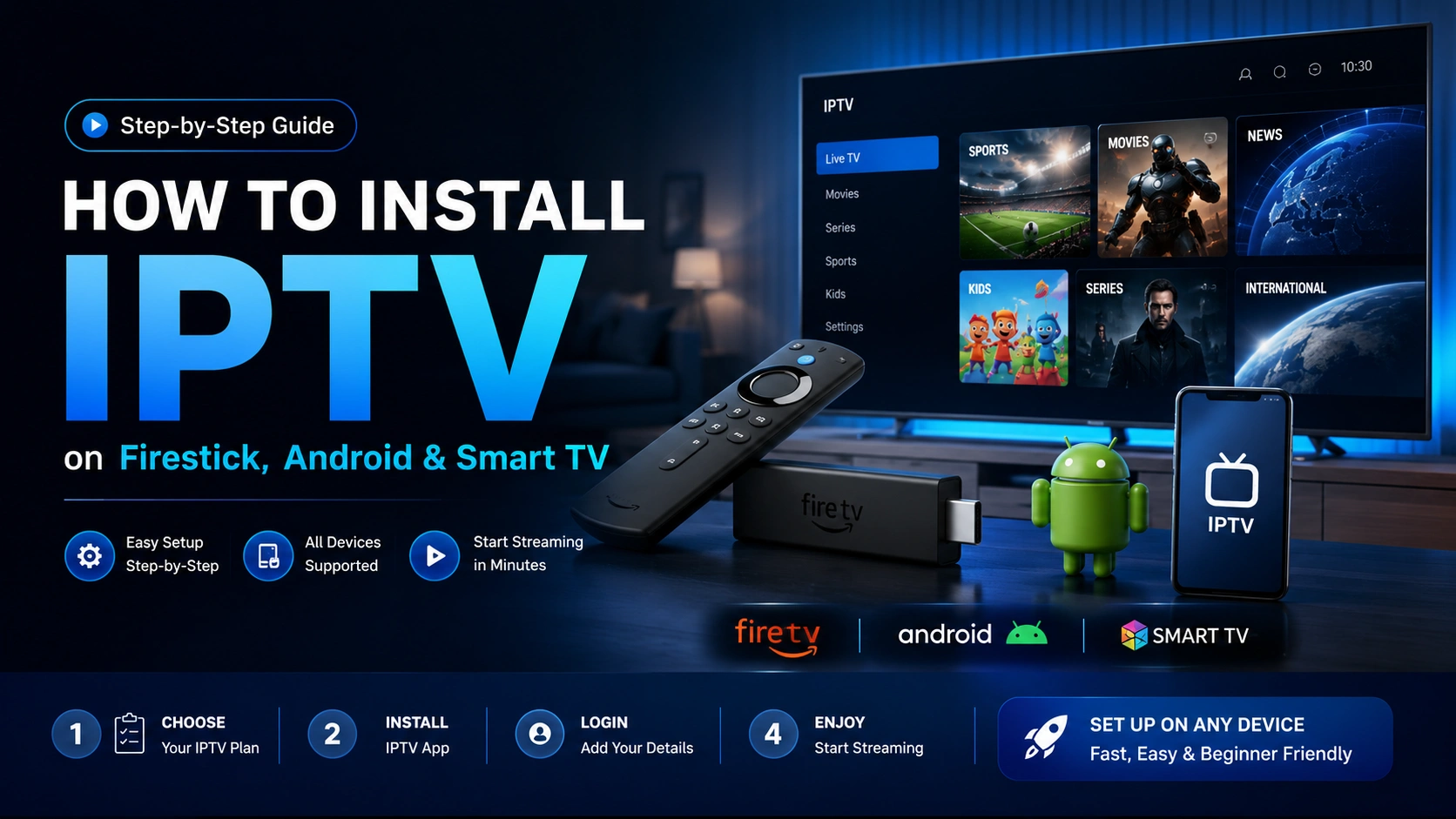
One of the best things about IPTV is how little setup it actually requires — no technician visits, no new hardware to buy. Whether you're using a Firestick, an Android box, or your Smart TV's built-in app store, the process is nearly identical and takes most people under 10 minutes. Here's exactly how it works with Crystal IPTV.
Step 1 — Choose your plan and activate
Start by messaging our team on WhatsApp to pick a plan (1, 3, 6 or 12 months). We'll confirm your device type, activate your account, and send you your login details — typically a username and password or an M3U/Xtream Codes link — within minutes.
Step 2 — Install the player app on your device
On Amazon Firestick / Fire TV
- From the Fire TV home screen, go to the search icon.
- Search for the recommended IPTV player app we'll point you to after activation.
- Select "Get" or "Download" to install it, then open the app.
On Android (phone, tablet or TV box)
- Open the Google Play Store (or your device's app store).
- Search for the recommended IPTV player app.
- Install and open the app.
On Samsung / LG Smart TVs
- Open your TV's built-in app store.
- Search for the recommended player app, or use a compatible browser-based player if your TV doesn't support app installs.
- Install and launch the app.
Step 3 — Enter your login details
Open the app and enter the username, password, or M3U/Xtream Codes URL we sent you. Most apps only ask for this once — after the first setup, the app remembers your account and loads your channel list automatically every time you open it.
Step 4 — Start streaming
Once logged in, you'll see your full channel list organized by category (Sports, Movies, Kids, News, International, etc.) along with the 7-day EPG guide and VOD library. Browse, search, or use the guide to find what's on — and you're watching.
Troubleshooting tips
- Buffering or freezing: Try switching to a 5GHz Wi-Fi network or a wired Ethernet connection for the most stable stream.
- App won't load channels: Double-check your login details were entered exactly as sent, with no extra spaces.
- Picture quality looks low: Check the app's settings menu — some players default to a lower bitrate stream that can be switched to HD/4K manually.
- Still stuck? Message us on WhatsApp any time — our support team can walk you through setup live, 24/7.
Most subscribers are fully set up and watching live TV within 10 minutes of messaging us on WhatsApp.
Ready to get set up?
Message us on WhatsApp and we'll walk you through activation on your exact device.
Related Articles
Best IPTV Service in the USA for 2026
What to actually look for in an IPTV provider before you subscribe — channels, quality, support and more.
Read article →
IPTV vs. Cable & Satellite: What's Really Better in 2026?
A side-by-side breakdown of cost, channel count, flexibility and quality between IPTV and traditional TV.
Read article →